
MegAlign - NEW Features Added in Lasergene v8.1
» Printable PDF overview for MegAlign
» View tutorial Training videos of MegAlign and other Lasergene applications
Multiple and Pairwise Sequence Alignment

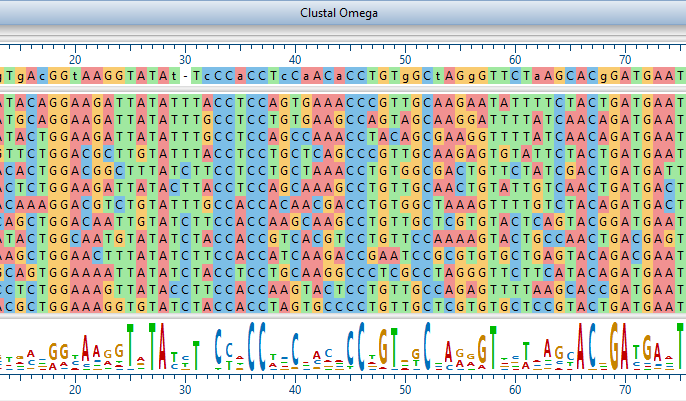
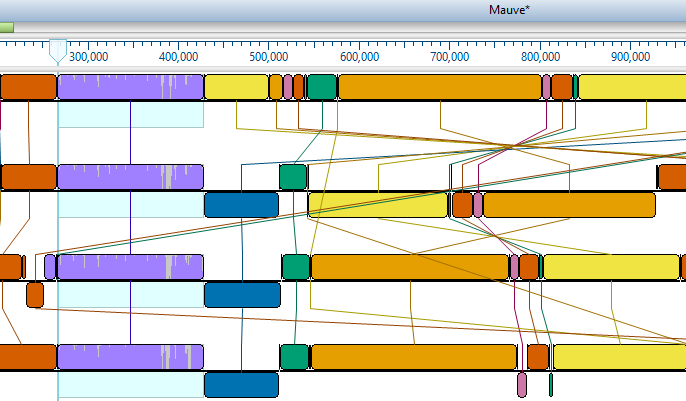
MegAlign offers you a choice of four pairwise and four multiple sequence alignment methods for aligning nucleic acid or polypeptide sequences. Enter your own sequences or load public data directly from NCBI*. If you want to find more related sequences for alignment, simply run a BLAST query or utilize the Entrez text query interface*, then drop in the sequences you want from the list of matches. Differences in chemical, structural or functional characteristics between sequences can also be displayed as well as your own groupings or consensus. Subalignments can be created from the current alignment by simply selecting a sub-region. MegAlign also enables you to generate detailed numerical reports or export data of sequence comparisons. Whether you want to compare gene families or sequence pairs, MegAlign provides you with flexible tools for customizing output for presentations.
New Features added in Lasergene v8.1 allow users to easily export data from MegAlign to GenVision to produce superior publication-quality graphics. Either histogram or chord-based images can be created. Chords can be used to connect the aligned matching segments between two or more matching sequences. Phylogenetic trees can also be added to chord-based diagrams.
Histogram-based diagrams show all of the sequences aligned to each other. An outer histogram shows the percentage of matching bases at each position. An example is shown below
MegAlign Features
-
Sequence Entry
- Import data from many popular file formats
- Read sequences and features from other Lasergene project files
- Edit template sequence and share newly created features through integration with SeqBuilder and other Lasergene applications
- Download sequences directly from NCBI* or a database using accession numbers, BLAST, or text searches
-
Alignments and Analyses
- Align DNA, protein and DNA+protein sequences
- Perform multiple sequence alignments using
- Jotun Hein
- Clustal V
- Clustal W - both Fast and Slow algorithms
- Perform pairwise sequence alignments using
- Wilbur-Lipman
- Martinez Needleman-Wunsch
- Lipman-Pearson
- Dotplot analysis
- Create subalignments from selected ranges of longer alignments
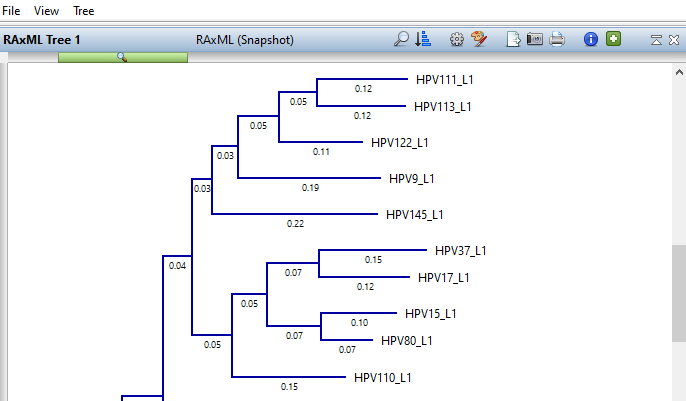
- Reconstruct phylogeny
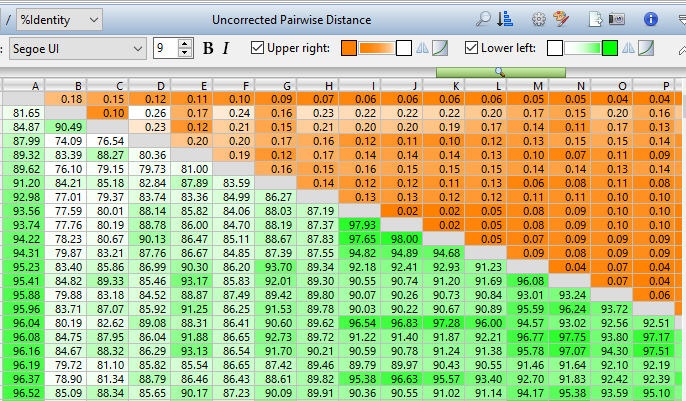
- Calculate sequence similarity and distance
- Edit and adjust final alignment manually if desired
- Export data and alignments into popular formats
-
Graphical Displays and Tools
- Customize alignment displays by shading, boxing or hiding residues
- Highlight matches or mismatches to the consensus or other sequence with distinct colors or shading
- Define the consensus by residue or by chemical, structural, or charge characteristics
- Create a custom consensus based on your own residue classification scheme
- Display consensus strength as color-coded histograms
- Copy selected sections (rasters) of alignment report and paste into other applications
-
Notes on Bootstrapping
- Bootstrapping is a process that compares trees generated from similar alignments and counts the number of times a specific branching pattern occurs. Those counts appear on the branches expressed in percentage terms. The branch patterns with higher values are statistically more likely and give a measure of confidence in the optimal tree structure
- A bootstrapping method is available in MegAlign to test for consistency and robustness of a tree created using a Clustal methodology
- Bootstrapping can provide a measure of the robustness of a feature of the data dependent upon the chosen criterion for comparison
* Requires Internet Connection
» Printable PDF overview for MegAlign
» View a video tutorial of MegAlign